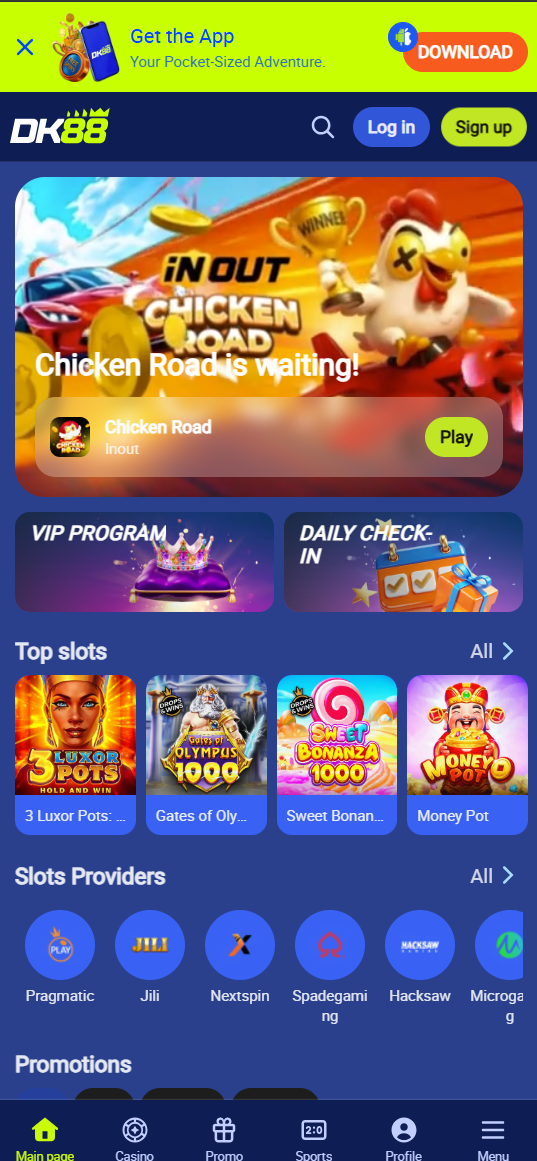
DK88 Malaysia's mobile platform delivers the complete Dashking88 casino experience on Android and iPhone. The Android APK is available for direct download from the official DK88 website. iPhone users can access the full DK88 platform via Safari and add it to their home screen as a Progressive Web App (PWA) — no App Store download required.
DK88 App Key Features
| Feature | Details |
|---|---|
| Platform | Android APK (direct download) + iOS PWA (Safari) |
| Android Size | ~52 MB |
| Required OS | Android 5.0+ · iOS 13.0+ |
| Games | Full 3,000+ library including slots, live casino, sports |
| Deposits | FPX, DuitNow, TNG, GrabPay, USDT — all supported |
| Push Notifications | Bonus alerts, score updates, withdrawal confirmations |
| Price | Free |
Android APK Installation Guide
- Enable Unknown Sources — Go to Settings → Security → Unknown Sources and toggle ON. On Android 8.0+, you will be prompted during installation.
- Download the APK — Tap the download button on this page or visit the official DK88 website and tap the Android icon.
- Open the APK file — Find it in your notification bar or Downloads folder and tap to open.
- Tap Install — Follow on-screen prompts. The DK88 icon appears on your home screen within 30 seconds.
- Log in or Register — Sign in with your existing account or register a new free account.
iOS Installation Guide (iPhone & iPad)
- Open Safari on your iPhone (must be Safari — Chrome and Firefox do not support Add to Home Screen).
- Visit the DK88 website via the button on this page.
- Tap the Share button (square with upward arrow) at the bottom of Safari.
- Tap "Add to Home Screen" — scroll down in the share sheet to find this option.
- Tap Add — DK88 icon appears on your home screen instantly.
- Launch and play — opens full-screen, identical to a native app.
📱 Get the DK88 App — Play Anywhere
Free Android APK & iOS · Full casino on mobile · Instant deposits via TNG & DuitNow
DK88 App FAQ
Is the DK88 app free?
Yes. The DK88 Android APK and iOS web app are completely free to download and use. There are no subscription or download fees.
Why is DK88 not on Google Play Store?
Google Play Store restricts real-money gambling apps for Malaysian users. DK88 distributes its Android app as a direct APK download from the official website — standard practice for all Malaysian online casinos.
Does DK88 mobile have all the same games as desktop?
Yes. The DK88 mobile platform includes the complete 3,000+ game library, full sportsbook, live casino, account management, deposits and withdrawals, and 24/7 live chat support.